
Guide · chapter 01 / 08
How to set up an Amazon Seller account and choose a plan
Daniel Pawłowski · Amazonway · 14 min read
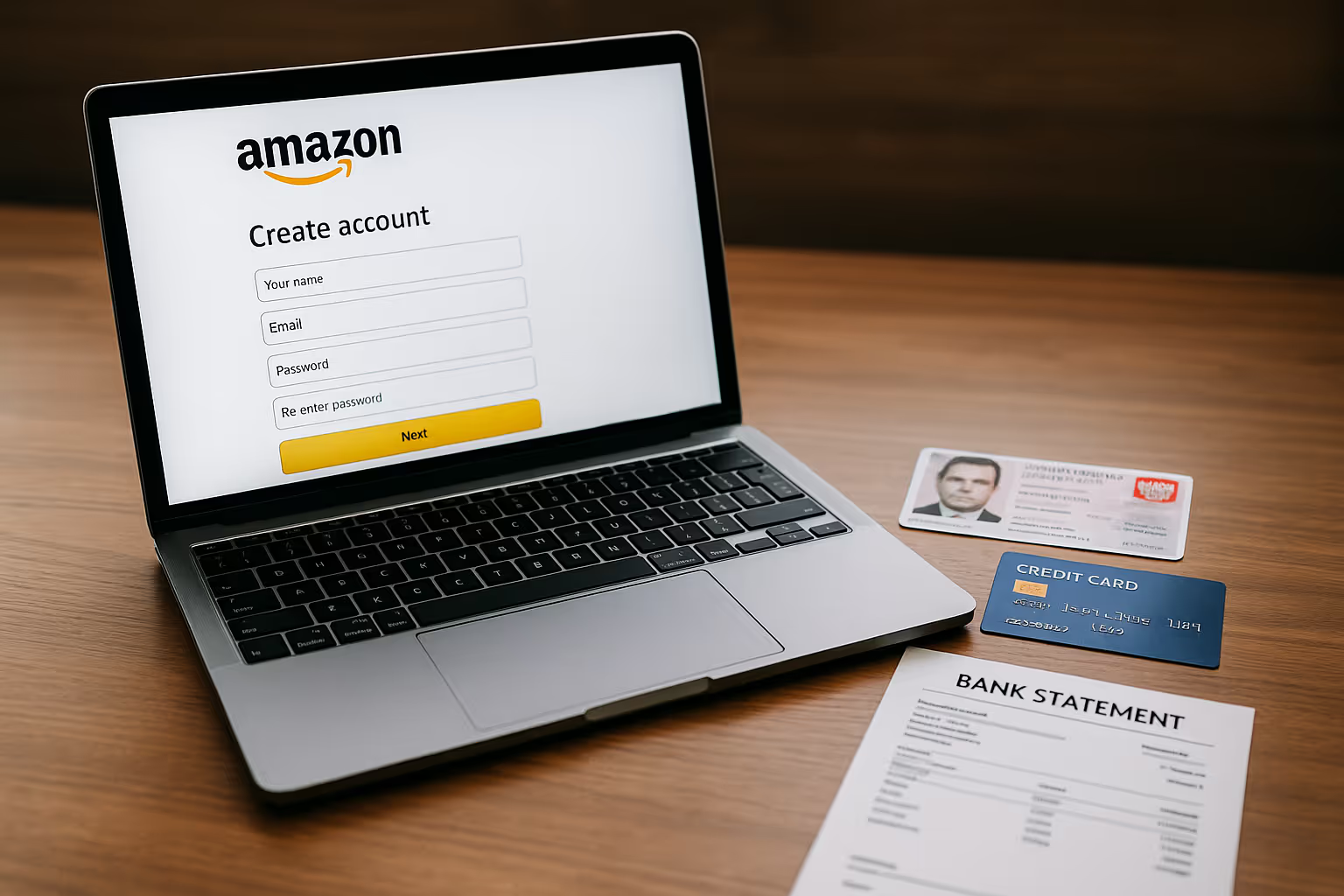
Introduction: who should open an Amazon Seller account and why
Amazon has been the biggest player in eCommerce for years, and nothing suggests this position is going to change. Customers love it for the huge choice, fast deliveries and the certainty that customer service will always step in when something goes wrong. For sellers this means one thing: access to a market hard to find anywhere else. In Europe alone, Amazon already accounts for over half of online sales in Germany and generates millions of orders a month in France, Spain and Italy. No wonder that for many companies the question is not “whether” but “when” to enter the platform.
To start, you need an Amazon Seller Central account. In theory anyone can open one, whether a private individual or a company. In practice Amazon is geared towards working with businesses. Registering as a private individual is only possible on the Individual plan and at a small sales scale, which quickly proves insufficient. So anyone thinking about selling seriously needs a registered business and, ideally, a VAT number: otherwise they will very quickly hit limits and extra procedures.
On Amazon we find various types of sellers. The most common are:
- Manufacturers, who want to build their brands and sell directly to customers across Europe.
- Online store owners, treating Amazon as an additional sales channel and a way to scale.
- Retailers and wholesalers, who use the platform to move stock and reach new customers.
- Resellers, buying products cheaper and reselling them at a margin.
Each of these models makes sense, but they all share one starting point: opening an Amazon Seller account.
The registration process
Setting up an Amazon Seller account seems simple at first glance: you go to the registration page, fill in the form and you are done. In practice, however, Amazon verifies all the data very carefully. This is not a mere formality but a process following the KYC (know your customer) rules, designed to weed out dishonest sellers. That is why it pays to take it seriously from the start and prepare everything in advance.
The basics are an email address and phone number that cannot be linked to another account. Amazon does not allow running several profiles in parallel, so if you try to use data from an existing registration, the system catches it immediately. Next comes the company details: full name, address and tax ID. If you run a limited company, you will also need to provide the company register number.
An important element is the documents of the owner or the person representing the company. Usually an ID card or passport is enough, but Amazon may ask for additional confirmations, e.g. a utility bill, to check the address matches. On top of that comes a payment card (Visa or MasterCard), which the monthly fees and commissions will be charged to, and a bank account Amazon will transfer your sales proceeds into.
The most commonly required documents and data are:
- login credentials (email address and password),
- company details and tax ID,
- owner or representative documents (ID or passport),
- bank account and payment card,
- VAT number (especially if you plan to sell in several EU countries).
Once all the information is entered, we move to verification. Amazon analyses the submitted documents and sometimes additionally contacts you by phone or requests a video verification, during which an Amazon representative connects with you and asks to see an identity document. In most cases the process takes two to five business days, but there are situations where it drags on to a few weeks, usually because of data inconsistencies.
That is why the basic rule is: everything must match to the letter. Even a difference between “St.” and “Street” in the address can be a reason for Amazon to reject the application. Before you click “submit”, check every detail.
Opening an account step by step
The registration form in Amazon Seller Central is fairly simple, but requires precision. Every detail must match the documents, or the process can drag on. So it is best to go through it carefully, step by step. Below we describe what appears at each stage and what information Amazon will require from you.
Step 1 — Start page
Go to the Amazon Seller Central registration page and click “Register”. Note that on this page Amazon briefly outlines the differences between the plans: useful for your later decision.
Step 2 — Sign in / create an account
Sign in with an existing Amazon account or create a new one for the company. Choose your country of business: this sets the default tax fields.
Step 3 — Company details
Enter the full legal name, registered address, tax ID (and company register number, if applicable). Copy the data exactly from your registration documents: this minimises the risk of rejection.
Step 4 — Representation and identity
Provide the representative’s details: first name, surname, date of birth, nationality. Upload a scan of the ID or passport. Amazon will check the consistency of letters, diacritics and dates, so make sure everything is legible.
Step 5 — Payments and payouts
Add a payment card (for the subscription fee and any charges) and a bank account for payouts. The account must belong to the owner or the company: third-party accounts usually end in a request for additional explanations.
Step 6 — Tax information (VAT/OSS)
Enter your VAT status. If you have an EU VAT number, fill in the full number. If you plan to sell to other EU markets and/or use OSS, prepare the relevant data. Remember: storing goods abroad usually means the need for a local VAT number.
Step 7 — Verification and launch
After submitting the application you will see the status “Verification in progress”. Amazon may text or call you, or invite you to a video verification. After approval you will get an email and access to the full Seller Central.
Tip: before you sit down to the form, prepare the files in PDF/JPG: company document, identity document, an address-confirming bill, VAT data. Registration “in one go” is then fast and painless.
Would you rather not do this alone?
Collecting the documents, keeping every field consistent with your company register and answering verification questions on time is what usually pushes a launch back by weeks. We run that stage for sellers, from the document set to the first settings in Seller Central.
Sales plans: Individual vs Professional
Once your Amazon Seller Central account is active, the next important step is choosing a sales plan. This decision determines not only the level of fees but also the functions you will have access to. Amazon offers two options: the Individual plan and the Professional plan.
The Individual plan is intended mainly for those who want to sell occasionally. There is no subscription; instead Amazon charges a fee of about €0.99 per unit sold. This works when you want to list single products, test the market or are still wondering whether selling on Amazon is for you. Bear in mind, though, that this plan does not give access to many functions: you cannot run Amazon Ads, you will not see detailed sales reports and you cannot use Fulfillment by Amazon (FBA).
The Professional plan is for sellers who are serious about growing a business. It costs €39 per month, but in return you do not pay an extra fee per unit. You get full access to all of Amazon’s tools, including ad campaigns, analytics reports, Brand Registry and A+ content. Importantly, you can sell any number of products and build your portfolio without limits.
The difference is best seen in practice:
| Parameter | Individual plan | Professional plan |
|---|---|---|
| Fixed cost | €0 | €39 / month |
| Selling fee | about €0.99 per unit | none (only the % category commission) |
| Sales limit | up to 40 units/month | no limit |
| Amazon Ads | no | available |
| Sales reports | no | available |
| Fulfillment by Amazon (FBA) | no | available |
| Brand Registry, A+ Content | no | available* |
Example: 100 sales a month
- Individual plan: 100 × €0.99 = €99 in fees
- Professional plan: €39 subscription fee
Already at a few dozen transactions a month the Professional plan works out cheaper, and additionally gives you tools that help increase sales.
In summary: the Individual plan works as a test solution, but if you really want to grow sales, the Professional plan is the only sensible choice.
The costs of selling on Amazon
Choosing a sales plan is only the beginning. To plan an Amazon business well, you also need to understand the costs that will appear with every transaction. Many new sellers assume the only expense is the subscription or the commission. Meanwhile Amazon operates on several different fees that together make up your final margin.
Sales commissions
The basic fee Amazon charges is the Referral Fee, a commission on the sale. Its level depends on the product category.
- Electronics: about 7% of the product value.
- Books, media: 15%.
- Clothing, shoes and bags: 15%.
- Jewellery: up to 20%.
- Home and garden products: 12–15%.
It is worth knowing that the minimum commission is usually €0.30–0.50 per unit.
Fulfillment by Amazon (FBA)
If you opt for FBA, i.e. storage and shipping handled by Amazon, additional costs appear. They consist of:
- Fulfilment fee: depends on the product’s weight and dimensions.
- Storage fee: charged per cubic metre of space used, billed monthly.
- Long-term storage: if goods sit in the warehouse for over 365 days, the fee rises.
Amazon Ads
Advertising on Amazon works in a PPC (pay-per-click) model. This means you pay for every click on an ad, and the cost depends on the competition in a given category. Without advertising it is hard to gain visibility today, especially on new accounts and with new products.
Other costs
On top of that come additional expenses, e.g.:
- returns handling fees (in some categories),
- special fees in some markets (e.g. the eco-tax in France),
- possible costs of integration with external systems or analytics tools.
An example calculation
Let us assume you sell a product priced at €25 in the “Home and garden” category:
- Amazon commission: €3.75,
- FBA cost (shipping + storage): €2.50,
- average advertising cost: €1.25.
In the end you are left with about €17.50. This shows how important it is to calculate the margin before you start selling.
Summary
Selling on Amazon involves several different types of fees that must be factored into your pricing strategy. The commission itself is only the beginning: the key is understanding how the additional costs (FBA, advertising, returns) affect profitability. Companies that plan their pricing policy consciously from the start have a much greater chance of stable growth.
The most common registration mistakes
Registering an Amazon Seller account is a process that looks simple on paper, but in practice many sellers hit obstacles at the very start. Some problems come from haste, others from a lack of familiarity with Amazon’s requirements. It pays to know them in advance to save yourself stress and delays.
One of the most common mistakes is data inconsistency. Amazon checks very carefully whether the information in the form is identical to what appears in the documents. Even small differences, like “St.” instead of “Street” or a typo in a surname, can cause the application to be rejected and have to be submitted again.
Another trap is incomplete documents. Sellers often send scans of poor quality or ones that do not show the full data (e.g. a cut-off document number). Amazon requires legible, complete scans and does not accept photos with missing fragments.
Many beginners also choose the wrong sales plan. The Individual plan seems tempting because there is no subscription, but it quickly turns out that at a higher sales volume it generates higher costs and limits access to key tools. Some people lose valuable time this way instead of starting with the Professional plan straight away.
A mistake that happens surprisingly often is also the lack of a VAT number. Amazon allows selling without VAT to a very limited extent, but if you are thinking about FBA and selling across Europe, you cannot move without this number. In practice it leads to blocks and suspended offers.
Bank accounts can also be problematic. The account must belong to the company owner or the company itself. If Amazon notices that the account number given is in someone else’s name, it will ask for additional documents or reject the registration.
Finally, it is worth mentioning attempts to open several accounts at once. Amazon guards against this very closely and such actions end in an immediate block. If someone genuinely needs a second account (e.g. for another brand within one company), it must be officially reported and approved.
In summary, the most common mistakes come from a lack of attention to detail. Amazon expects full transparency and data consistency, so the better you prepare your documents and think through your plan of action, the faster you will pass registration and start selling.
Frequently asked questions (FAQ)
Everyone starting their Amazon selling journey has similar doubts. Many of them recur in conversations with our clients, so we have gathered the most frequent questions and answers. This will make it easier to avoid misunderstandings and prepare better for launch.
Can I sell on Amazon without a company? In theory yes, but only on the Individual plan and at a very small sales scale. If you want to grow a business, a company and a VAT number are practically essential.
How long does Amazon Seller account registration take? Usually two to five business days. If the documents are illegible or the data does not match what you entered in the form, the process can drag on to a few weeks.
Does one account work across the whole of Europe? Yes, Amazon offers the European Unified Account. It lets you sell on all EU markets from a single panel. If you store goods outside your home country, though, you must remember to register for VAT there.
Can I change the sales plan later? Yes, you can switch from Individual to Professional and back at any time. In practice most sellers who start on the Individual plan very quickly move to Professional.
Is an Amazon Seller account free? No. You either pay about €0.99 per sale on the Individual plan, or a monthly subscription of €39 on the Professional plan. On top of that come commissions and any logistics fees if you use FBA.
How does Amazon pay sellers? As standard, transfers reach the designated bank account every two weeks. In some cases Amazon may withhold funds longer, e.g. when the account is new or complaints appear.
Does Amazon require a VAT number? At the early stage of selling in your home country not always, but if you plan to use FBA or sell in several countries, VAT becomes a necessity. It pays to register right away to avoid blocks.
What is the Buy Box and do I need it? The Buy Box is the “Add to cart” button the customer sees on the product page. Only one seller can win it, and Amazon chooses it based on price, availability and service quality. Without the Buy Box your product is still visible, but selling is much harder.
Summary: how to choose a plan and start selling stress-free
Registering an Amazon Seller account is the first step to entering the largest eCommerce platform in Europe. It is the moment when you decide whether to treat Amazon as an occasional sales channel or a serious direction for your company’s growth. The account setup process itself requires precision, patience and preparing the right documents. It pays to approach it consciously, because any mistake at this stage can delay the launch by weeks.
Choosing a sales plan is key here. The Individual plan makes sense only when you are still testing the market and want to see how Amazon works “from the inside”. If, however, you are serious about selling, the best and, in practice, only sensible choice is the Professional plan. Already at a few dozen transactions a month it turns out cheaper than the Individual one, and additionally gives access to functions that genuinely help grow sales: Amazon Ads, sales reports, Fulfillment by Amazon and Brand Registry.
Amazon is a huge opportunity, but also a challenge. Besides the costs and formalities, you must prepare for competition and constant work on the offer. Those who plan their actions from the start gain an edge and avoid disappointment. So before you click “Register”, ask yourself: do you just want to try, or go in seriously right away.
If you choose the second option, remember you do not have to go through this process alone. At Amazonway we help companies prepare the documents, choose the right plan, pass verification without unnecessary nerves, and then put up the first offers and grow sales. This lets you focus on the product and strategy, and leave the formalities in our hands.
The first step is registering the account. The next is contacting us. Together we will make entering Amazon the beginning of real growth for you, not a series of frustrations.
All chapters of the guide
- Start: the complete step-by-step guide
- How to set up an Amazon Seller account and choose a plan
- Amazon logistics models: FBA, FBM, EFN and Pan-EU
- Amazon taxes in Europe: VAT, OSS and EPR obligations
- How to list a product and optimize your offer
- Amazon SEO and keyword research: keywords that sell
- Amazon advertising: Amazon Ads and PPC (full guide)
- Launch scenarios: from zero to a mature business
- FAQ: the most common Amazon selling questions